Anonymize Online Activity: Threat Models, VPNs & Tor
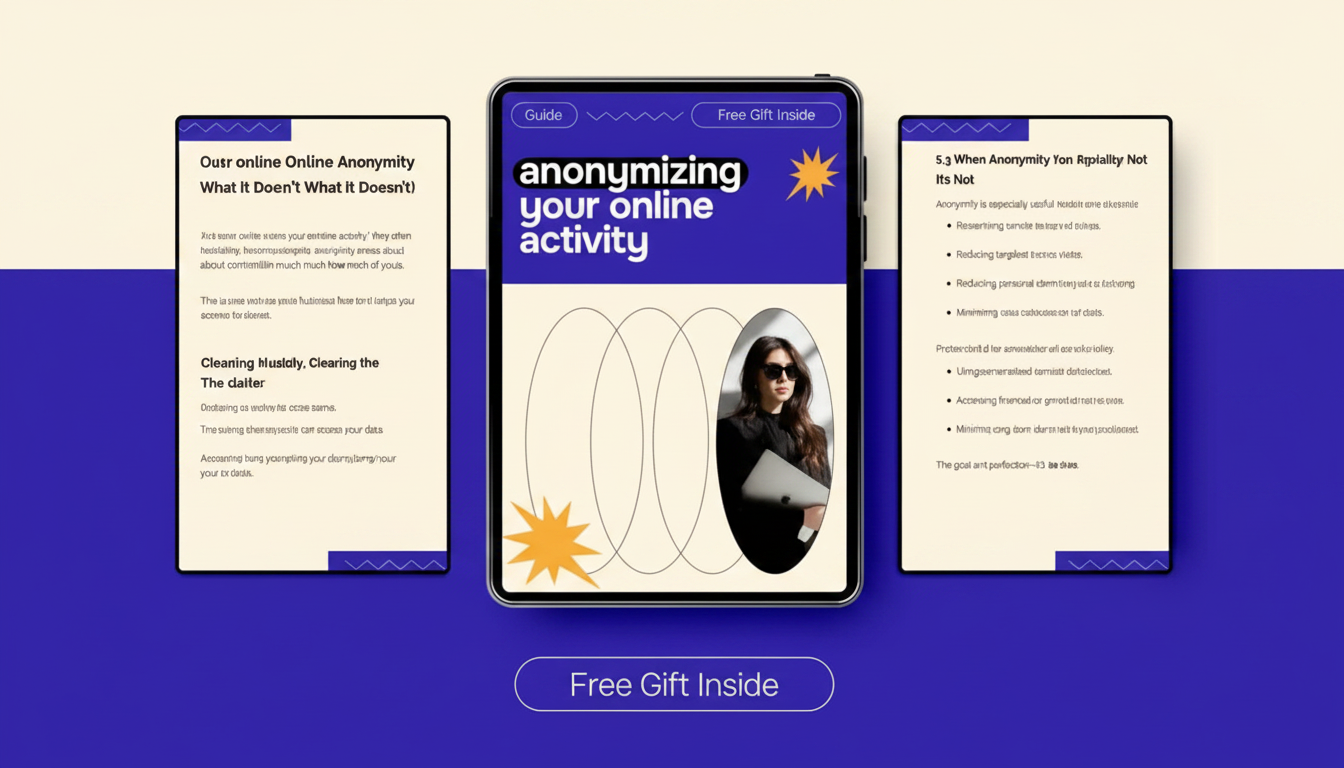
Anonymizing Your Online Activity: Practical Steps for Privacy and Security
Online anonymity is less about a single tool and more about reducing the number of reliable identifiers that follow a person across networks, devices, and accounts. The most sustainable approach is to build privacy in layers—network traffic, browsers, accounts, payments, and daily habits—so improvements are measurable and easy to maintain.
What “anonymous” means online (and what it doesn’t)
“Anonymous” online usually means reducing how easily activity can be linked back to a real identity. That’s different from privacy: privacy limits what others can see, while anonymity limits who they can connect it to. Many people improve privacy without meaningfully improving anonymity because their identity remains linkable through the same recurring signals.
Common identifiers that connect the dots
The most common linkers include IP address, browser fingerprint, cookies, device IDs, account logins, payment records, and location metadata. Even if one identifier is hidden (like IP), others can still connect sessions (like logins or a consistent fingerprint).
Three typical threat models
Threat models vary. Data brokers and advertisers focus on profiling and attribution; malicious actors focus on phishing and credential theft; and institutional monitoring focuses on network observation and account-level linkage. The “right” tools and habits depend on which of these is most relevant to your situation.
Realistic goals
Perfect invisibility is rarely achievable. A more practical target is reducing linkability and shrinking the amount of personal data exposed when something leaks—because leaks happen.
Start with a threat model and a clean baseline
Before changing tools, decide what you’re protecting and from whom. The biggest wins often come from separating identities and cleaning up existing exposure.
Define high-sensitivity activities
List activities that need the most protection (research topics, whistleblowing, financial transactions, personal communications). Then rank them by impact if exposed and likelihood of being targeted.
Separate identities by design
Use one browser profile (or even one device) per persona. Avoid cross-login between personal and anonymity-focused contexts. If a “private” browser profile ever logs into a personal email, you’ve created a durable link.
Inventory your current exposure
Check for saved passwords, synced browsers, cloud backups, old accounts, and breached credentials. A single old recovery email or reused username can quietly tie identities together.
Baseline hardening actions
Update the OS and apps, enable disk encryption, remove unused extensions, and reduce app permissions. These steps improve both privacy and security, regardless of your anonymity tooling.
Network-layer anonymity: VPNs, Tor, and safer DNS
Network-layer tools help change what the outside world can learn from your connection, but they don’t automatically fix tracking that happens inside the browser.
VPNs: useful, but not magic
A VPN can hide your IP address from websites and local networks (like public Wi‑Fi) and reduce what your ISP can observe. It does not inherently prevent tracking through cookies, logins, or browser fingerprints, and it introduces a new trust point: the VPN provider.
Tor Browser: stronger anonymity when used correctly
Tor Browser routes traffic through multiple relays to reduce linkability. It’s a good fit for high-sensitivity browsing and research—especially against network observers—when you maintain strict habits (no personal logins, no extra extensions, and consistent settings).
DNS: encrypted helps, but it’s not anonymity
Avoid identity leaks
| Tool | Best for | Main benefit | Main limitation |
|---|---|---|---|
| VPN | Everyday browsing on untrusted networks; reducing ISP visibility | Masks IP from visited sites and local Wi‑Fi observers | Provider can see traffic metadata; tracking still works via cookies/logins |
| Tor Browser | High-sensitivity browsing and research | Strong network-layer anonymity through multi-hop routing | Slower; requires strict habits to avoid identity correlation |
| Encrypted DNS (DoH/DoT) | Reducing local network DNS snooping | Hides DNS queries from local observers | Does not hide IP from websites; resolver still learns queries |
Browser and device hardening to reduce tracking
Isolate roles with separate profiles
Minimize extensions and fingerprinting surface
Cookie discipline that doesn’t break everything
Device-level privacy knobs
Account, identity, and data hygiene
Stop correlation across identities
Email strategy that scales
Strong authentication, consistently applied
Reduce old exposure
Payments, purchases, and operational security basics
Understand transaction trails
Lower-linkability options
Shipping and real-world linkage
Everyday OpSec habits
Common mistakes that break anonymity
Printable checklist and deeper walkthrough
For a consolidated workflow with examples and checklists, consider the digital download: Anonymizing Your Online Activity: The Ultimate Guide on How to Anonymize Your Online Activity for Privacy and Security.
If your work includes generating or sharing content online, it can also help to keep creative projects compartmentalized from personal accounts. This companion download supports creator workflows: MidJourney Prompts for Realistic Images – Pro Guide to midjourney prompts for realistic images, Photorealistic AI Art, Digital Download for Creators.
Further reading (authoritative resources)
- Tor Project — Tor Browser User Manual
- Electronic Frontier Foundation — Surveillance Self-Defense
- NIST — Guidelines on Digital Identity (SP 800-63)
FAQ
Does a VPN make online activity anonymous?
No. A VPN mainly hides your IP address from visited sites and local networks, but it doesn’t stop tracking via cookies, account logins, or browser fingerprinting, and you still have to trust the VPN provider. Combine a VPN with browser isolation and strong account hygiene to reduce linkability.
Is Tor Browser safe for everyday browsing?
It can be safe, but it’s often slower and works best when you keep the default settings and avoid adding extensions. For everyday use, it’s most appropriate when you specifically need stronger anonymity and can avoid logging into identifying accounts during Tor sessions.
What’s the fastest way to reduce online tracking without breaking websites?
Use separate browser profiles for different roles, block third-party cookies, keep extensions to a minimum, and stay current on updates. Pair that with a reputable password manager and MFA to reduce account takeovers that can undo privacy gains.















Leave a comment