AI Image Caption Generator: How It Works + Tips
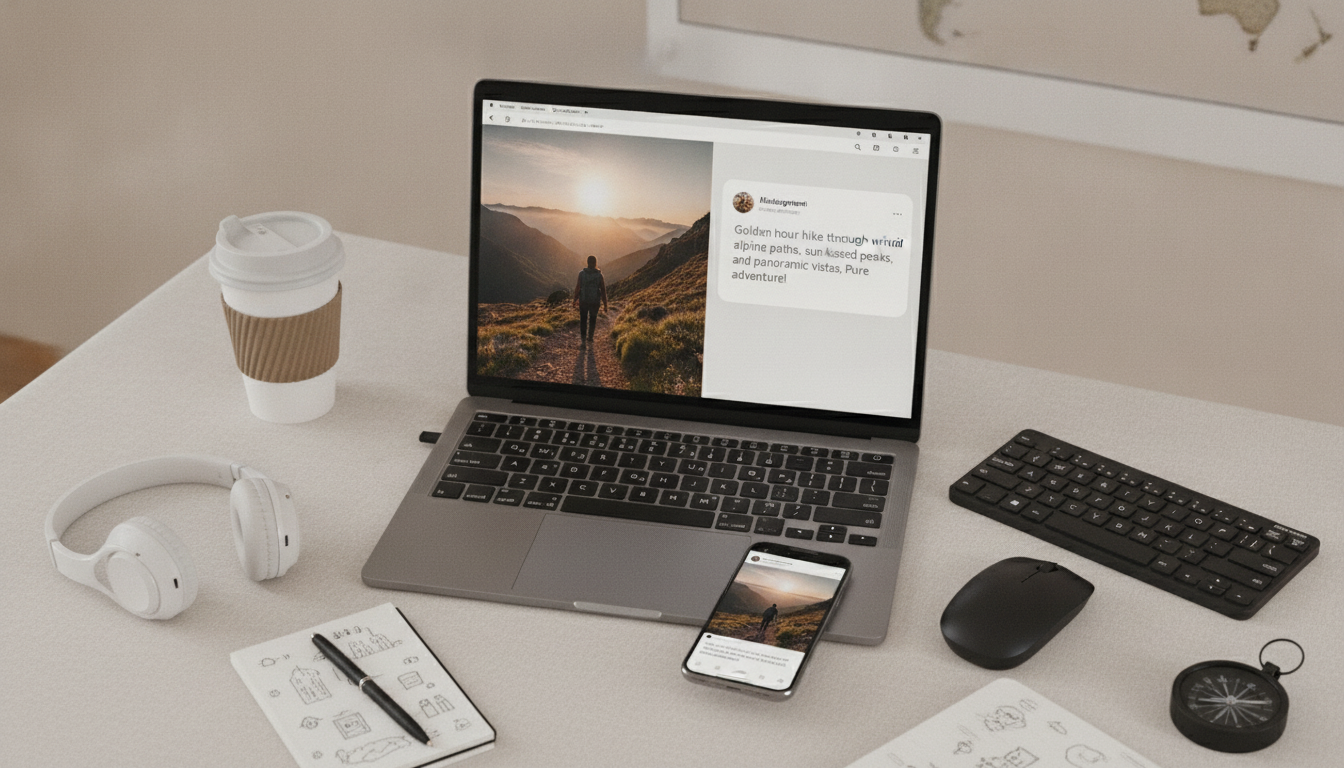
Can AI generate a caption for an image?
Yes. AI can generate a caption for an image by using the photo itself (if the tool supports image input) or by using a short description of what’s in the picture. In seconds, it can suggest multiple caption styles—funny, polished, minimalist, story-driven, or sales-focused—so you can pick the one that fits the moment and your brand.
How AI creates image captions
There are two common ways AI produces captions:
- Vision-based captioning: You upload the image, and the AI identifies key elements (setting, objects, actions, mood) to draft a relevant caption.
- Description-based captioning: You paste a quick note like “sunset beach photo, friends laughing, summer trip,” and the AI turns it into a caption with tone and structure.
For e-commerce and social posts, the second option often works great because it lets you include details the image can’t show clearly, like product benefits, materials, or a limited-time offer.
What makes an AI caption feel “right”
The best AI captions aren’t just accurate—they sound human and on-brand. To get there, provide a few specifics:
- Goal: engagement, click-through, or direct sales
- Voice: playful, confident, warm, luxury, or straightforward
- Must-include info: product name, feature, price point, or campaign tagline
- Platform fit: short for Instagram Reels, longer for a carousel story, etc.
Then do a quick edit pass: swap in your usual phrases, trim extra adjectives, and add a personal detail (a moment, a reaction, a tiny story) to make it feel uniquely yours.
Examples of AI caption directions that work well
If the image is a product photo, AI can generate options like: a benefit-led line (“Lightweight comfort you’ll reach for daily”), a customer-style quote, or a punchy feature list. If it’s a lifestyle image, it can lean into mood and storytelling, then connect back to the product with a subtle call to action.
For a deeper look at making captions sound natural (not robotic) and fast to produce, see this guide to AI Instagram captions that sound like you.
FAQ
How do I make AI captions sound more like my brand voice?
Give the AI a sample caption you’ve used before, specify the tone in a few words, and list any phrases you always (or never) use. Finish by editing for your rhythm—shorten, add a personal detail, and keep only the strongest line.










Leave a comment