Ergonomic Chairs for Gaming: Comfort, Fit, and Setup
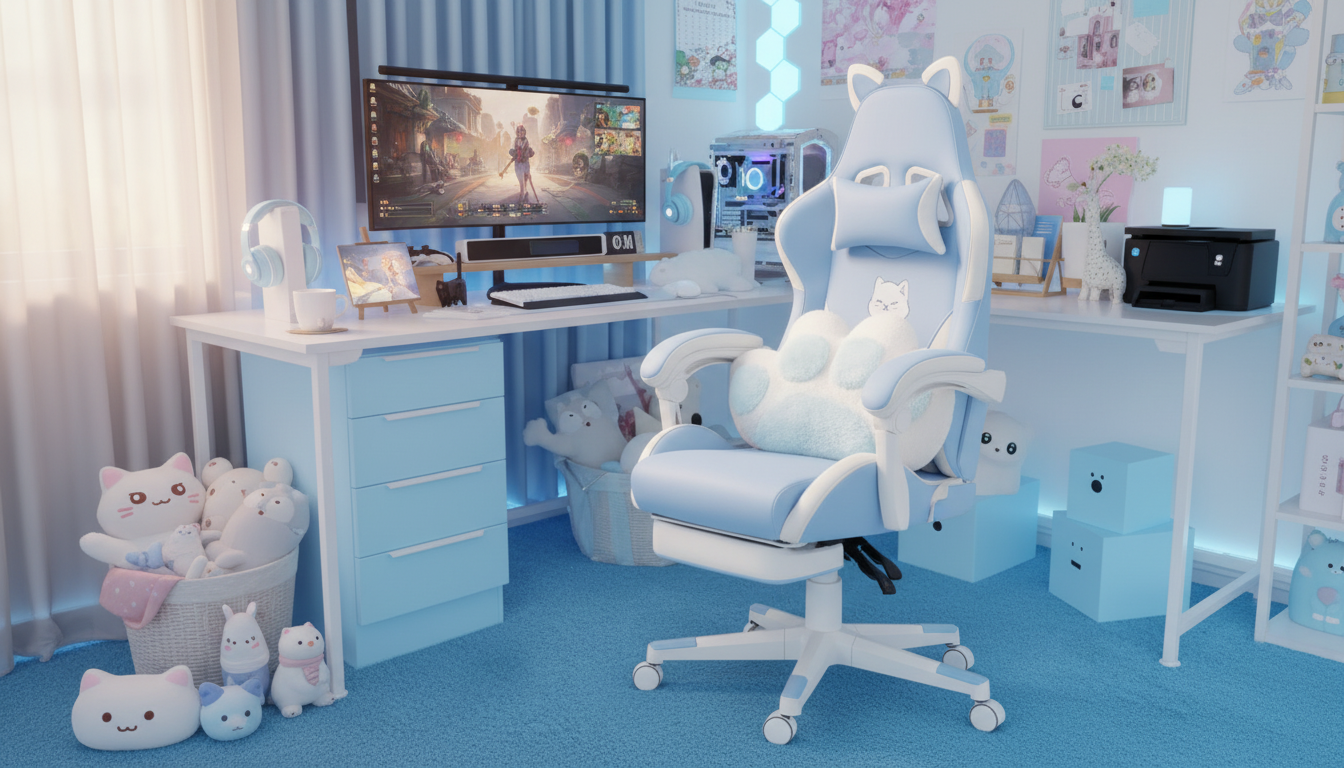
Are ergonomic chairs better for gaming?
Ergonomic chairs are often better for gaming because they’re built to support long sitting sessions without forcing awkward posture. A solid ergonomic design helps keep your spine aligned, reduces pressure on hips and thighs, and encourages relaxed shoulders—benefits that matter whether you’re grinding ranked matches, streaming, or working at the same setup during the day.
What makes an ergonomic chair “better” for gamers?
The biggest upgrade is adjustability. Look for a chair that lets you fine-tune seat height, seat depth (or at least a roomy seat), lumbar support, armrest height/width, and recline tension. When these parts fit your body, you can keep elbows close to your sides, wrists neutral on mouse/keyboard, and feet planted—small tweaks that can reduce fatigue over time.
Ergonomic chair vs. gaming-style chair: what’s the difference?
Many traditional “gaming chairs” focus on a racing-seat look and high side bolsters. Ergonomic chairs typically prioritize functional support and movement, such as a contoured back, flexible lumbar, and breathable materials. That said, some gaming chairs are genuinely ergonomic—especially models that include adjustable lumbar support, a stable tilt mechanism, and armrests that dial in to your desk setup.
When an ergonomic chair may not feel better
If an ergonomic chair is set up incorrectly, it can feel worse than a basic chair. Overly aggressive lumbar support, armrests that are too high, or a seat that’s too deep can cause back or shoulder discomfort. Proper setup matters as much as the chair itself.
How to choose the right ergonomic gaming chair
Start with your desk height and your typical play posture. Prioritize a supportive backrest, adjustable armrests, and a seat that doesn’t cut into the backs of your knees. For a detailed walkthrough of features and fit—plus a fun style option—see this ergonomic gaming chair guide.
FAQ
What’s the best lumbar support setup for long gaming sessions?
Set lumbar support to fill the natural curve of your lower back without pushing you forward. It should feel supportive, not like a hard bump, and your back should stay in contact with the backrest while you play.









Leave a comment