Clean Imposter Syndrome on Spotify: What to Check
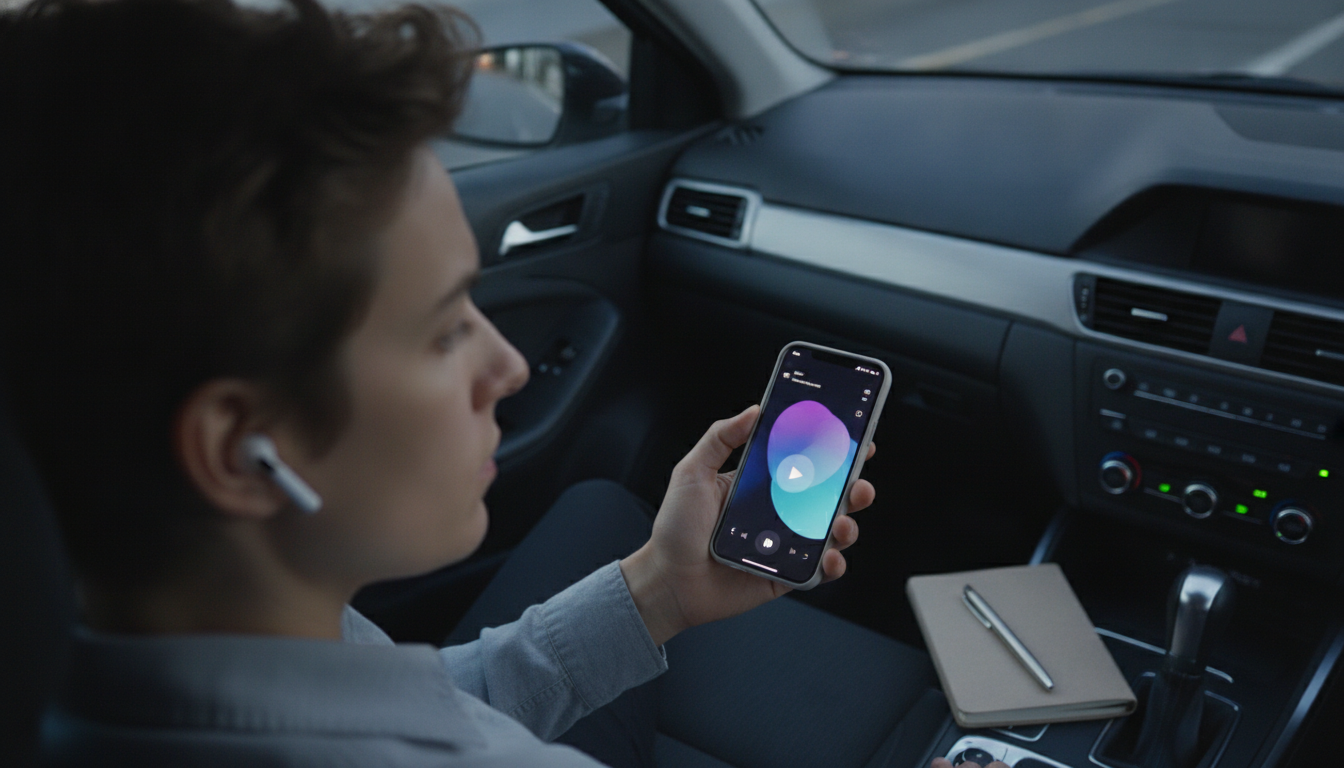
Is there a clean version of imposter syndrome on Spotify?
Sometimes, yes—but it depends on what you mean by “clean.” If you’re looking for an actual track or album titled “Imposter Syndrome” with an explicit-free edit, Spotify may or may not have a labeled “Clean” version, since many podcasts and spoken-word episodes don’t use the same “clean/explicit” tagging system as music releases. If you’re searching for a “clean” listening experience (no profanity, no graphic content), Spotify does offer practical ways to filter and preview what you’ll hear.
How to find a “clean” option on Spotify
Start by typing “imposter syndrome” into Spotify search and then scan results by category (Songs, Podcasts & Shows, Episodes, Audiobooks). For music, look for an “E” badge (Explicit). If there’s no badge, it’s often safe—but not guaranteed—so it’s smart to sample a short portion before committing.
For podcasts and audiobooks, open the episode or book description and look for content notes. Many creators mention language, sensitive topics, or audience suitability. If you’re shopping for something work-friendly or teen-friendly, favor shows that consistently brand themselves as “clean,” “family-friendly,” or “PG.”
Use Spotify’s explicit-content controls
If you manage a Spotify account for a family, workplace, or shared device, you can also turn off explicit content in settings (availability can vary by plan and device). This won’t magically “clean” an episode, but it can reduce the chance of explicit-tagged tracks playing.
When “clean” isn’t the main issue
Often, the bigger concern is emotional intensity—not language. If imposter syndrome content leaves you spiraling, grounding yourself with a quick self-check can help you choose the right kind of audio support. For a practical, step-by-step way to assess what you’re feeling and what to do next, read the guide here: Imposter Syndrome Checklist: 10-Minute Audit + 2-Week Plan.
FAQ
How do I know if a podcast episode about imposter syndrome is safe for work?
Check for an explicit label when available, read the episode description for content notes, and preview the first few minutes to confirm tone and language before playing it out loud.








Leave a comment