Choose the Right Tablet for Work, Study, and Fun
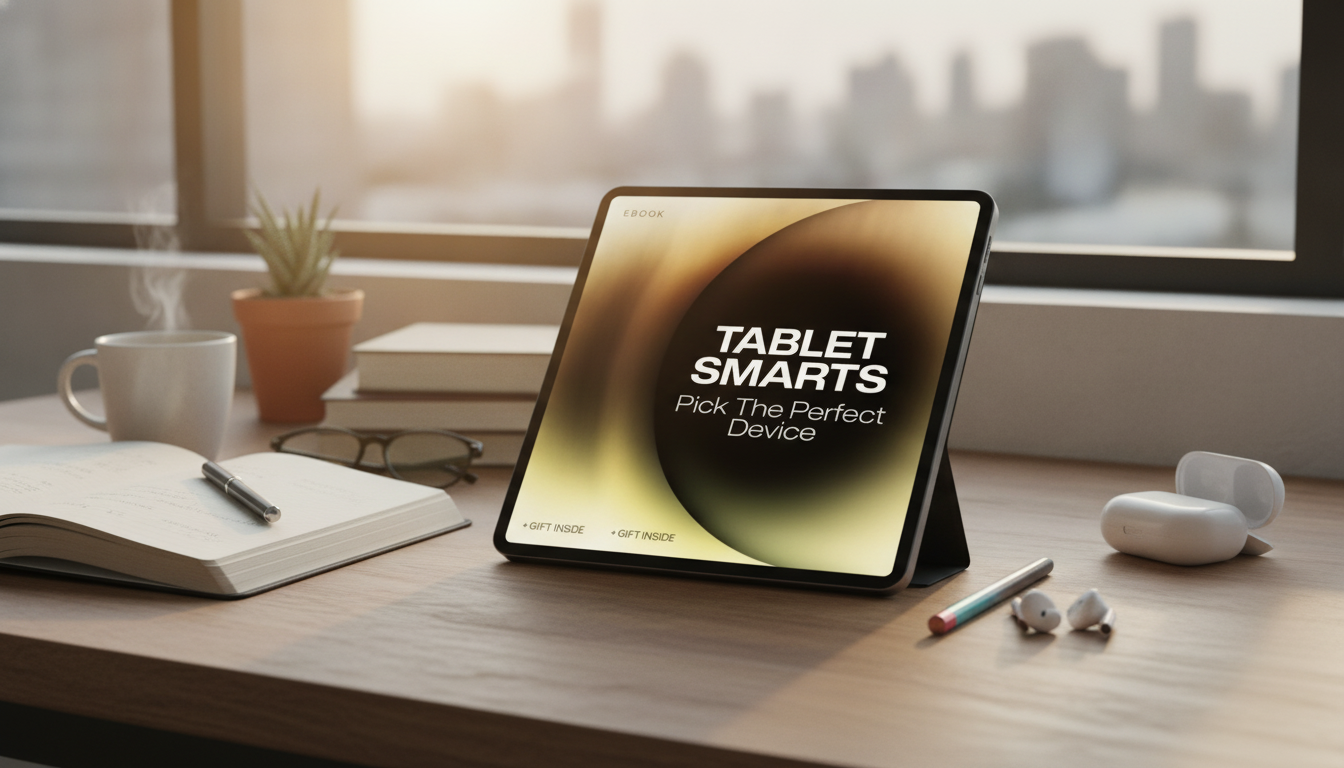
Tablet Smarts: Pick the Perfect Device for Work, Study & Play
Choosing a tablet gets easier when the decision starts with real-life tasks: meetings and multitasking, note-taking and reading, streaming and gaming, or a bit of everything. The best tablet isn’t the one with the flashiest specs—it’s the one that fits daily routines, favorite apps, and the accessories that make it comfortable to use. Below is a practical way to weigh the trade-offs (screen size, performance, battery, add-ons, and platform) so you don’t pay extra for features that won’t matter.
Start with the job: what the tablet must do daily
Before comparing models, write a short “non-negotiables” list: the top three tasks the tablet must handle, the must-have apps, and any accessories you’ll need on day one (keyboard, stylus, case, USB‑C hub). This keeps the search focused and prevents overbuying.
Work-first priorities
For a work-heavy tablet, prioritize a comfortable typing setup, solid video-call hardware, and multitasking that doesn’t feel cramped. If a desk setup is part of the plan, confirm external monitor support and the ports or dongles needed to connect.
Study-first priorities
For studying, the experience hinges on note-taking and reading comfort. Look for strong stylus support (low latency and good palm rejection), a size that’s easy to carry, and standby battery that doesn’t drain quickly between classes. Distraction controls or focused modes can also make a real difference.
Play-first priorities
For streaming and games, the display and speakers matter more than most spec sheets admit. Decide whether usage is mostly casual gaming or more demanding titles, and check storage if offline downloads are common. Controller support can be a game-changer for cloud gaming and emulators (where allowed).
Hybrid households
If the tablet will be shared, look for clean multi-user options (where available), reliable parental controls, and easy-to-find protective cases. Durability and affordable repair options become “specs” too.
| Primary use | Display size | Performance (CPU/RAM) | Storage | Must-have extras |
|---|---|---|---|---|
| Work & multitasking | 11–13 in | Mid–high / 8GB+ | 128–256GB | Keyboard + trackpad, strong video-call camera, USB‑C/Thunderbolt, external display support |
| Study & notes | 10–12 in | Mid / 6–8GB | 64–128GB | Active stylus, matte screen protector, good palm rejection, comfortable reading weight |
| Streaming & travel | 10–11 in | Entry–mid / 4–6GB | 64–128GB | Bright display, loud speakers, widevine/DRM support, strong battery |
| Gaming & creative apps | 11–13 in | High / 8–16GB | 256GB+ | 120Hz display (optional), controller support, thermal performance, fast charging |
Choose an ecosystem: iPadOS, Android, or Windows
Picking a platform is less about brand loyalty and more about app availability and workflow fit. Start by confirming your exact apps: conferencing tools, VPNs, note apps, learning portals, and any work/school management requirements.
- App availability and features: Make sure the tablet version includes the features you rely on, not just a “similar” app name. For iPad multitasking basics, Apple’s guide is a helpful reference: Apple iPad User Guide.
- File handling and sharing: If you move files across devices, check external drive support, cloud drive integration, and how easy it is to export PDFs, scans, or annotated notes.
- Updates and longevity: Security updates and OS support influence how long a tablet stays smooth and safe for accounts and payments. Android’s official help center is a good overview of accounts and security basics: Android Help Center.
- Accessory ecosystem: Keyboards, styli, docks, and cases vary widely by model. A great accessory lineup can extend a tablet’s usable life.
- If it must replace a laptop: Confirm desktop-class browser behavior, multi-window support, and compatibility with external displays, storage, and peripherals. For Windows setup and device security guidance, Microsoft’s support hub is useful: Microsoft Support for Windows.
Screen and comfort: the specs that affect everyday usability
Screen quality is felt every minute: reading, scrolling, note-taking, and video calls. The “best” screen depends on where and how long it’s used.
Performance, memory, and battery: what actually changes the experience
Connectivity and accessories: where most regrets come from
Value check: set a budget that includes the real total cost
Guides to help narrow your shortlist
- Tablet Smarts: Pick the Perfect Device | Smart Buyer’s Guide & Ebook on how to choose a tablet for Work, Study & Play
- How to Choose the Perfect Laptop for Your Job – A Practical Work Laptop Buying Guide for Professionals, Freelancers & Remote Workers
Decision checklist: confirm the pick before checkout
FAQ
Can a tablet replace a laptop for work or school?
It can for email, documents, video calls, and note-taking—especially with a quality keyboard and good multitasking. It may fall short for specialized desktop software, complex file workflows, heavy coding, or advanced spreadsheets, so verify required apps and external monitor/peripheral support.
How much storage is enough for a tablet?
64GB works for light streaming and web use, but can feel tight with offline media, large PDFs, or creative apps. 128GB is a comfortable starting point for mixed use; 256GB+ is better for games, video downloads, and long-term use without constant cleanup.
Is Wi‑Fi only fine, or is cellular worth it?
Wi‑Fi only is fine for home, campus, or office environments. Cellular is worth it for commuters, frequent travelers, or anyone relying on stable connectivity for calls and cloud files; check eSIM support and carrier compatibility.










Leave a comment