Choose the Right Monitor: Size, Resolution, Panels, Ports
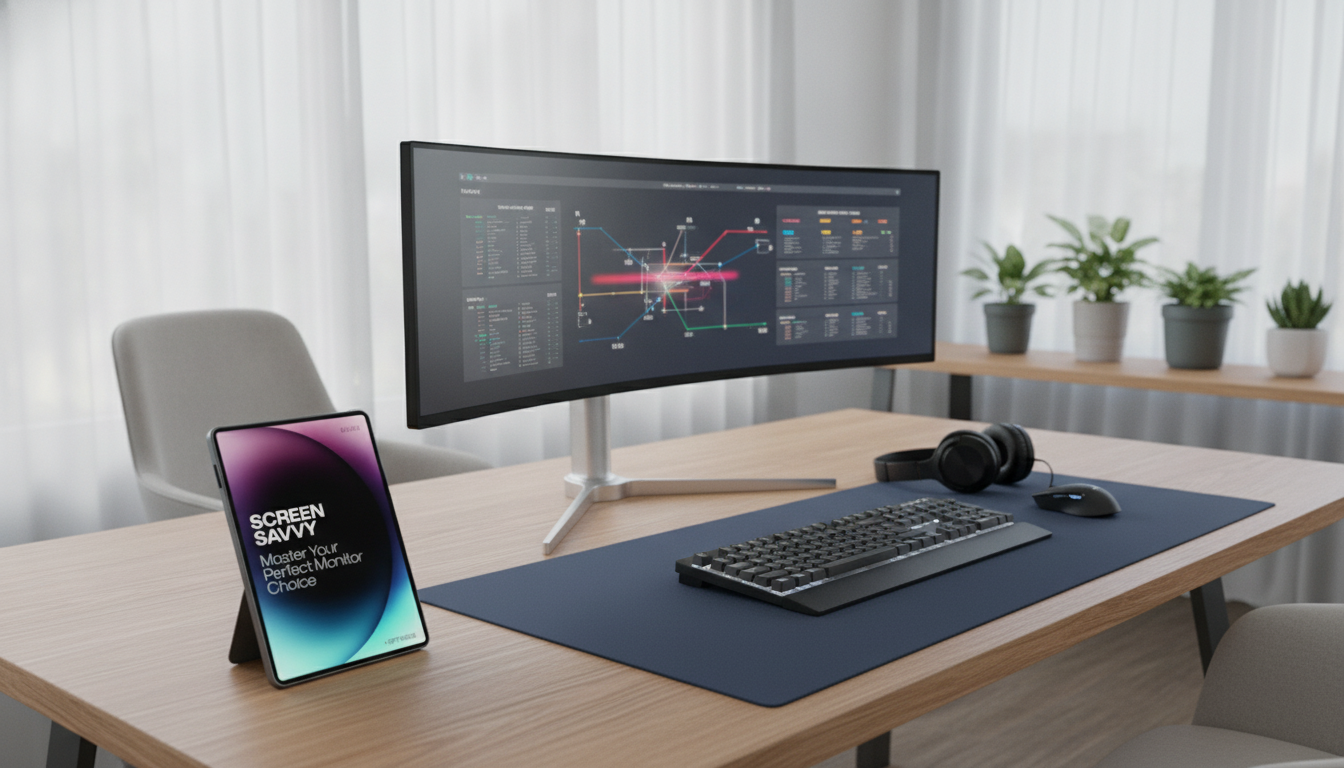
Screen Savvy: Master Your Perfect Monitor Choice for Gaming, Work, and Everyday Use
A monitor can make games feel smoother, spreadsheets easier to read, and creative work more accurate—if the specs match the way it’s used. The best pick usually comes down to a few practical decisions: size, resolution, panel type, refresh behavior, ergonomics, and the ports that connect everything. Get those right and the screen feels “effortless” day after day—without paying extra for features that won’t show up in real use.
Start With How the Screen Will Be Used
Before comparing models, decide what the screen must do well. Your “most demanding” activity should set the baseline, and everything else can be a compromise around it.
- Gaming priorities: smooth motion (refresh rate), low blur (response time), VRR sync tech, and a resolution your GPU can actually drive in the games you play.
- Work priorities: crisp text, comfortable scaling, a stand that adjusts properly, USB-C docking convenience, and dependable uniformity for long sessions.
- Everyday priorities: balanced size and resolution, good viewing angles, optional built-in speakers, and simple connectivity for a PC + console + streaming device.
- Mixed use approach: pick the activity that would bother you most if it looked “off” (competitive shooters, color work, or reading-heavy office tasks) and choose around that.
If you want a quick reference you can keep open while shopping, see Screen Savvy: Master Your Perfect Monitor Choice. For laptop-first setups, pairing the right screen with the right computer matters too—How to Choose the Perfect Laptop for Your Job helps align ports, performance, and docking needs.
Size, Resolution, and Pixel Density (What Actually Feels Sharp)
Sharpness is more about pixel density (how tightly packed pixels are) than a single “best resolution.” A larger panel at a low resolution can look grainy—especially on documents and UI text.
- Desk depth and distance: 24–27 inches fits most desks; 32 inches is more comfortable with a deeper desk or higher resolution so you’re not forced to sit too close.
- Resolution guidance: 1080p fits 24 inches; 1440p is a strong all-rounder at 27 inches; 4K shines at 27–32 inches for crisp text and fine detail.
- Scaling matters: higher resolutions often need OS scaling. Make sure the apps you live in (especially older tools) behave well at 125%–150% scaling.
| Typical Size | Recommended Resolution | Best For | Watch Out For |
|---|---|---|---|
| 24 in | 1920×1080 (1080p) | Budget builds, esports, general use | Text clarity is limited for heavy reading |
| 27 in | 2560×1440 (1440p) | Work + gaming balance, sharp text | Needs a midrange GPU for high-FPS gaming |
| 27–32 in | 3840×2160 (4K) | Creative work, crisp productivity, media | Higher GPU load; scaling may be needed |
| 34 in ultrawide | 3440×1440 | Multitasking, immersive single-player | Check desk space; can be demanding for GPUs |
Panel Types: IPS vs VA vs OLED (and When Each Wins)
The panel type shapes how the monitor looks and feels more than many spec-sheet numbers.
- IPS: strong color and viewing angles, which is why it’s a favorite for productivity and general gaming. Contrast is usually lower than VA or OLED, so dark scenes can look more gray in dim rooms.
- VA: higher contrast for movies and darker games. Some VA panels can show “smearing” in fast motion, so it’s worth checking reviews if you play competitive titles.
- OLED: per-pixel contrast with very fast response, making both games and video look punchy. Burn-in risk management (pixel shifting, screen savers, sensible brightness) and brightness behavior are the trade-offs.
- Mini-LED LCD: an LCD with more advanced backlighting for better HDR potential. Quality varies widely based on dimming zones and tuning.
Refresh Rate, Response Time, and VRR (Making Motion Look Right)
Motion quality is where the “feel” of a monitor changes instantly when you upgrade.
- Refresh rate: 60Hz is fine for office work; 120–165Hz often feels smoother even in everyday scrolling; 240Hz+ is aimed at competitive play where every frame matters.
- Response time reality check: advertised numbers are often best-case. Independent testing is more reliable, and extreme overdrive settings can create bright “overshoot” halos.
- VRR (Variable Refresh Rate): reduces tearing and stutter when frame rate fluctuates. Look for Adaptive-Sync/FreeSync and, if you’re on NVIDIA, verify “G-SYNC Compatible” behavior on your target model.
- Match the system: a high-refresh 1440p monitor is only great if your CPU/GPU can sustain frames at your preferred settings.
For compatibility details, reference AMD FreeSync and the NVIDIA G-SYNC Compatible list when narrowing down models.
Color, Brightness, and HDR: What’s Useful vs. What’s Hype
If HDR is a priority, compare what certifications actually mean via the VESA DisplayHDR standards overview.
Ergonomics and Eye Comfort for Long Sessions
Ports, Cables, and Multi-Device Setups
A Simple Decision Path (Fast Shortlist Method)
Common Buying Mistakes to Avoid
FAQ
Is 1440p or 4K better for a 27-inch monitor?
1440p is the balanced choice for sharpness and performance. 4K is noticeably crisper for text and detail, but it increases GPU demands and often benefits from scaling.
What panel type is best for gaming and work together?
IPS is the safest all-rounder with strong viewing angles, solid color, and good gaming performance. OLED delivers the best contrast and very fast response if budget and burn-in precautions fit your routine.
Do USB-C monitors replace a laptop dock?
Often yes—if the monitor provides enough USB-C power delivery, carries video over USB-C, and includes a USB hub for accessories. Add a dock if you need more ports, higher-bandwidth peripherals, or multiple external displays beyond what the monitor supports.








Leave a comment